Give your propertya listing people can understand.
Add the important details, upload useful photos and choose the visibility level that fits your property—whether you are selling or renting.
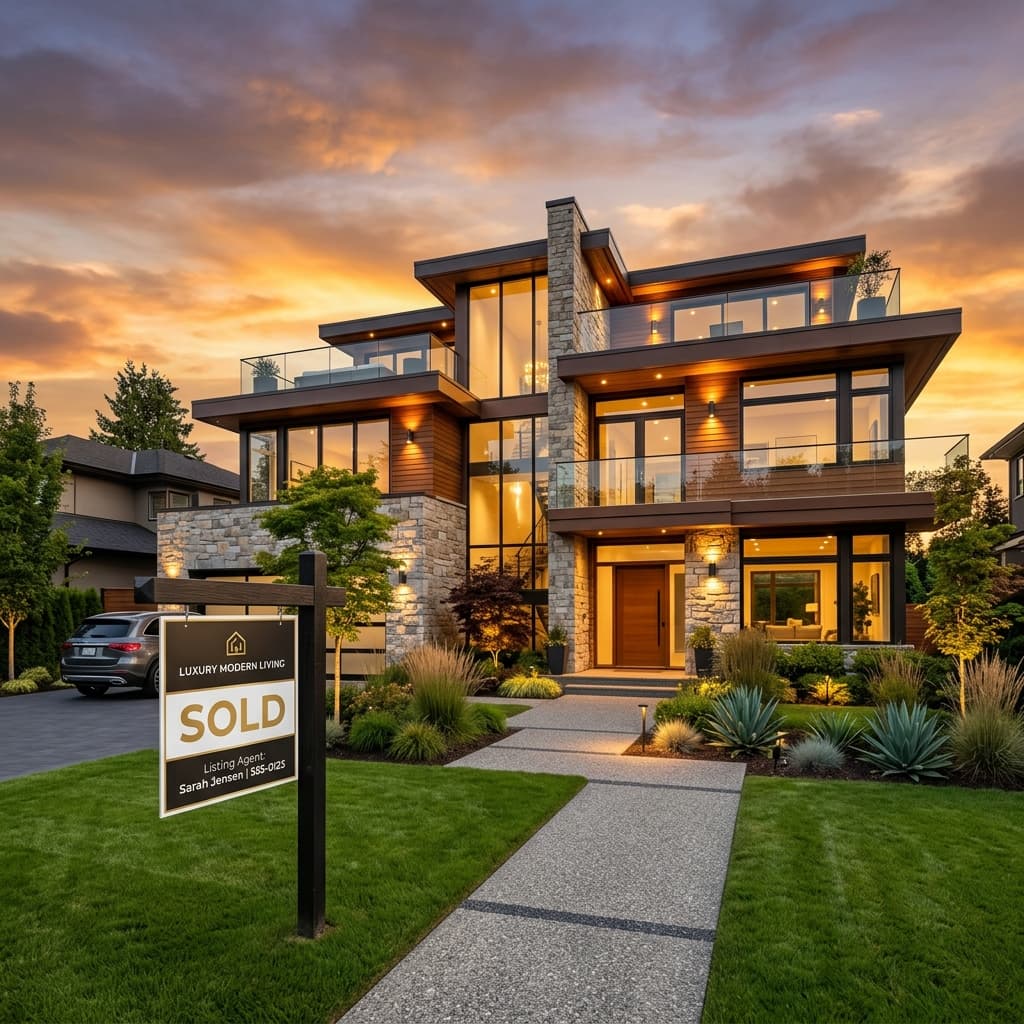
Show what matters
Location, property type, price, size, photos and amenities.
Location
Photos
Price
Details
Describe the property
Add the property type, location, size, ownership and essential details.
Present it clearly
Upload photos, add amenities and include video links when your plan supports them.
Choose visibility
Start free or choose a paid owner plan for longer duration, stronger placement and insights.
Manage the listing
Review your property, update details and use the management dashboard after publishing.
Build a useful listing
Present the property clearly before the first enquiry.
The posting flow is designed around information buyers and renters need to understand the property—not just a headline and a phone number.
Listing preview
A professional structure for every property type.
Property photoLocation
Size
Price
Add useful media
Every owner plan includes property images. Gold and Platinum also support video links, with higher photo limits.
Stay in control afterwards
Use the property-management area to review your listings, edit information, remove properties and open analytics when your plan provides them.
Manage existing listingsAfter publishing
Your listing should remain manageable—not disappear into a black box.
Propyours already includes a management area for owner listings, with editing, removal and plan-aware analytics controls.
Review your published properties
See your listings together from the management page.
Edit or remove a listing
Update incorrect information or remove a property when needed.
Open plan-aware analytics
Gold and Platinum plans include different levels of listing performance data.
Owner dashboard preview
My properties
Listing management
Views
Calls
Saves
Analytics availability depends on the selected owner plan.
Before you begin
Common owner questions.
Straight answers based on the current listing form, plan catalog and property-management workflow.
Post for freeCan I list a property for free?
Yes. The Silver owner plan supports one active property for 30 days with up to five images. Paid plans provide longer listing duration and additional visibility features.
Can I list a property for rent as well as sale?
Yes. The property form supports both selling and renting, along with several residential, land and commercial property types.
Can I edit my property after publishing?
Yes. Published properties can be managed from the property-management area, where the existing product supports editing, reviewing and removing listings.
What analytics are available?
Silver does not include analytics. Gold includes views, phone clicks and favorites tracking. Platinum adds daily performance and conversion-oriented insights.
Ready when you are
Turn the property details into a clear public listing.
Begin with the free Silver plan or review the paid options before opening the posting flow.